
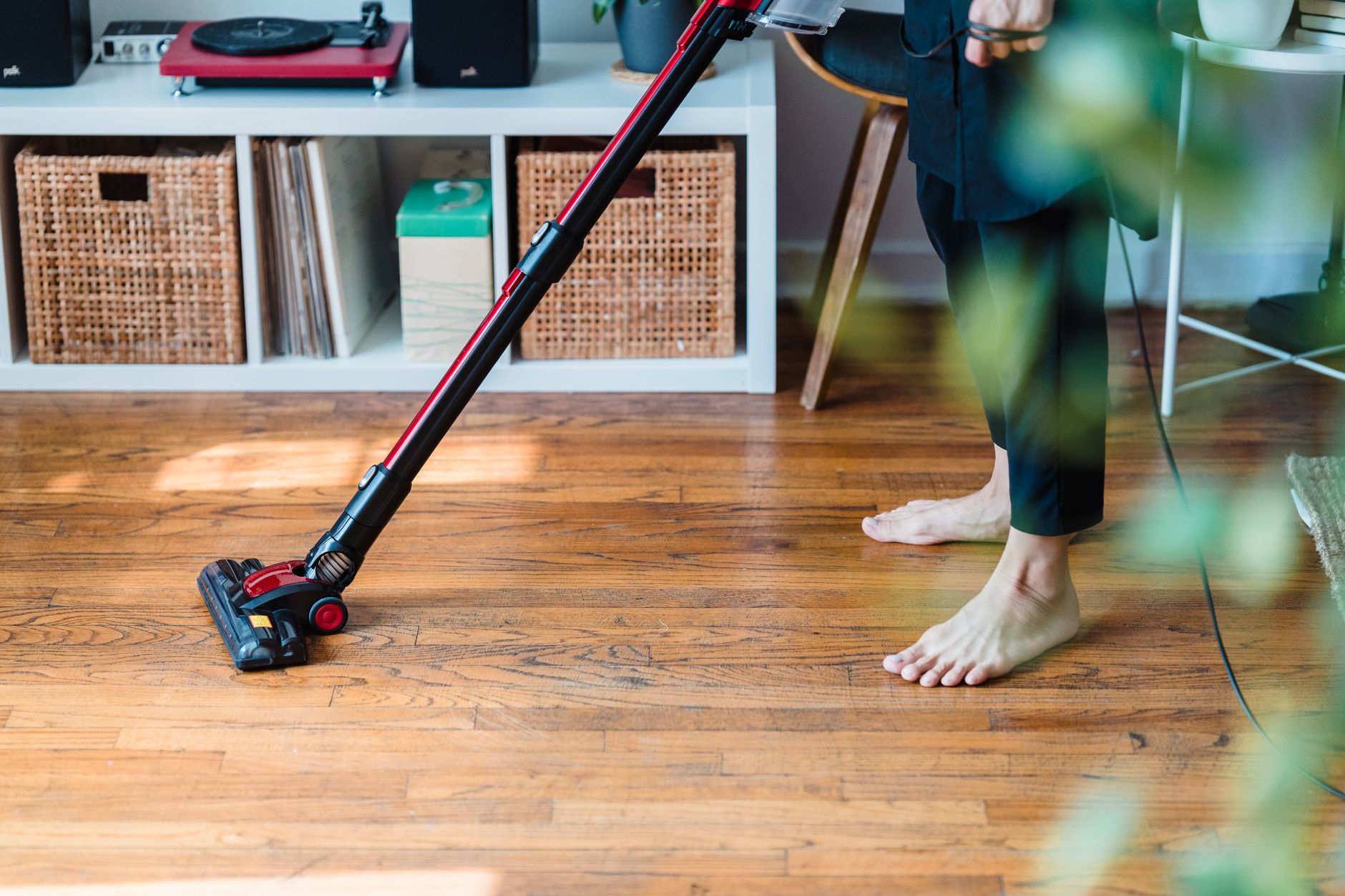

To clean a Shark cordless stick vacuum, turn it off and remove the battery if your model allows it. Empty the dust cup into a trash can. Then remove the filters and clean them only as your manual directs – some are washable, some are not. Clear hair and debris from the brushroll and floor head, wipe the wand and body with a dry or slightly damp cloth, and let every part dry completely before reassembling.
Key Takeaways
- Check your model’s manual before washing any filter; not all Shark filters are washable.
- Empty the dust cup often and keep the brushroll free of hair and string.
- Never reinstall a wet filter or rinse the main body, battery, or charger.
- Clear clogs in the wand and floor head if suction drops after cleaning.
- Replace filters and worn parts on the schedule in your manual.
Table of Contents
Prerequisites: What You Need Before Cleaning
Before you start, check your Shark cordless stick vacuum’s manual or quick-start guide. Cleaning steps vary by model, especially for filters, brushroll access, and battery removal.
- Your model’s manual or Shark support page
- Trash can or bag
- Dry cloth and, if needed, a slightly damp cloth
- Scissors or seam ripper for tangled hair (use carefully)
- Soft brush or old toothbrush for crevices
- A dry, well-ventilated area for drying filters
Do not start cleaning until the vacuum is powered off. If the battery is removable, take it out before handling the dust cup, filters, or brushroll.
How to Clean a Shark Cordless Stick Vacuum Step by Step
1. Turn It Off and Remove the Battery
Power off the vacuum. If your model has a removable battery, press the release and remove it. If the battery is built in, do not immerse the main body or handle in water.
2. Empty the Dust Cup
Hold the dust cup over a trash can. Press the release latch or follow your manual’s emptying method. Tap lightly to loosen dust, but avoid hitting the cup against hard surfaces.
3. Remove and Clean the Filters
Open the filter compartment and remove the filter or filters. Your model may have one or more filters, such as pre-motor and post-motor filters. Check the manual before washing anything.
- If the filter is washable: rinse it under cool water until the water runs clear. Do not use soap unless the manual allows it.
- If the filter is not washable: tap it gently over a trash can or brush off loose dust. Replace it if it is damaged, clogged, or past its replacement interval.
Let washable filters air-dry completely before putting them back. A wet filter can reduce suction and may damage the motor.
4. Clear the Brushroll and Floor Head
Turn the floor head over. Use scissors or a seam ripper to cut hair, string, and fibers wrapped around the brushroll. Remove the debris by hand. Check the brushroll ends and the floor head opening for blockages.
5. Check the Wand and Air Path
Separate the wand from the floor head and main body if your model allows it. Look through the wand for clogs. Use a broom handle or a soft brush to push debris out gently. Do not use sharp metal tools that could scratch the inside.
6. Wipe the Wand, Body, and Contacts
Wipe the outside of the wand, handle, and main body with a dry cloth. For sticky spots, use a slightly damp cloth, then dry immediately. Keep water away from the battery, charger, display, and electrical contacts.
7. Let Everything Dry Fully
Place washable filters and any damp parts in a dry, well-ventilated area. Do not use a dryer, microwave, or direct heat. Reassemble only when every part is completely dry.
8. Reassemble and Test Suction
Put the filters, dust cup, wand, and floor head back in place. Insert the battery if removed. Run the vacuum on a hard floor for a few seconds. If suction seems weak, check that the filters are seated correctly and the air path is clear.
Safety Notes
- Unplug the charger and remove the battery before cleaning, if removable.
- Never immerse the main body, handle, battery, or charger in water.
- Do not wash a filter unless the manual says it is washable.
- Do not put wet filters or wet parts back into the vacuum.
- Use scissors carefully when cutting hair from the brushroll.
- Do not use harsh chemicals, solvents, or abrasive cleaners on the vacuum body.
- If you see damaged wiring, a swollen battery, or a burning smell, stop using the vacuum and contact Shark support or a qualified technician.
Troubleshooting Common Cleaning Issues
| Problem | Possible cause | What to try |
|---|---|---|
| Weak suction after cleaning | Filter still wet, filter installed backward, dust cup not sealed, or clog in wand or floor head | Let filter dry completely, reseat filter and dust cup, check wand and floor head for blockages |
| Brushroll stops spinning | Hair wrap, debris jam, or an overheating safety feature | Turn off vacuum, clear brushroll, let vacuum cool, then test again |
| Dust escapes from vacuum | Dust cup full, seal dirty, filter loose, or filter damaged | Empty cup, wipe seal, reseat or replace filter as directed |
| Vacuum smells musty | Damp filter, damp debris, or dirty dust cup | Clean and dry filter fully, wash dust cup only if manual allows, empty debris |
| Battery will not charge | Charger connection, temperature, or battery issue | Check charger and contacts, let battery reach room temperature, follow manual; contact support if it continues |
If a problem continues after basic cleaning, stop and consult your manual or Shark support. Do not force parts or use the vacuum with a damaged battery or cord.
Maintenance Schedule for Shark Cordless Stick Vacuums
Use this as a general guide, then follow your model’s manual for exact intervals.
| Part | When to check | General action |
|---|---|---|
| Dust cup | After each use or when it reaches the fill line | Empty into trash can; wipe if needed |
| Pre-motor filter | Every few uses, or sooner with heavy dust and pet hair | Tap clean; wash only if manual says washable; dry fully |
| Post-motor filter | Monthly or as manual directs | Tap clean or replace if not washable |
| Brushroll | Weekly with pet hair or long hair | Cut away tangles and remove debris |
| Wand and floor head | Monthly or after picking up large debris | Check for clogs and wipe exterior |
| Battery and charger contacts | Monthly | Keep dry and free of dust; do not use liquid on contacts |
Replace filters and other parts according to your manual. A filter that stays clogged, torn, or deformed can reduce performance even after cleaning.
FAQ
How often should I clean my Shark cordless stick vacuum?
Empty the dust cup after each use or when it reaches the fill line. Check the brushroll weekly if you have pets or long hair. Clean or replace filters on the schedule in your manual, and check the wand and floor head monthly for clogs.
Can I wash all Shark cordless vacuum filters?
No. Some filters are washable and some are not. Check your model’s manual before rinsing any filter. If a filter is not marked washable, tap it clean or replace it as directed.
How long should a washed filter dry?
Let it air-dry until completely dry. Drying time depends on humidity, airflow, and filter thickness. Do not reinstall a damp filter or use heat to speed drying.
Can I use soap to clean a Shark vacuum filter?
Only if your manual allows it. If washing is permitted, cool water is usually enough unless the manual says otherwise. Soap residue can trap dust or affect performance.
Why does my Shark cordless vacuum still smell after cleaning?
The filter may still be damp, the dust cup or brushroll may have hidden debris, or the air path may contain a clog. Clean and dry those areas fully. If the smell continues, inspect the filters and contact Shark support for model-specific guidance.
What should I do if suction is weak after cleaning?
Check that the filter is dry and seated correctly, the dust cup is closed and sealed, and the wand and floor head are clear. If suction is still weak, the filter may need replacement or the vacuum may need service.
Final Check
After cleaning, run the vacuum briefly and listen for unusual noise. A clean Shark cordless stick vacuum should have clear airflow, a freely turning brushroll, and a properly sealed dust cup. If anything seems off, stop and check the manual before using it again.