
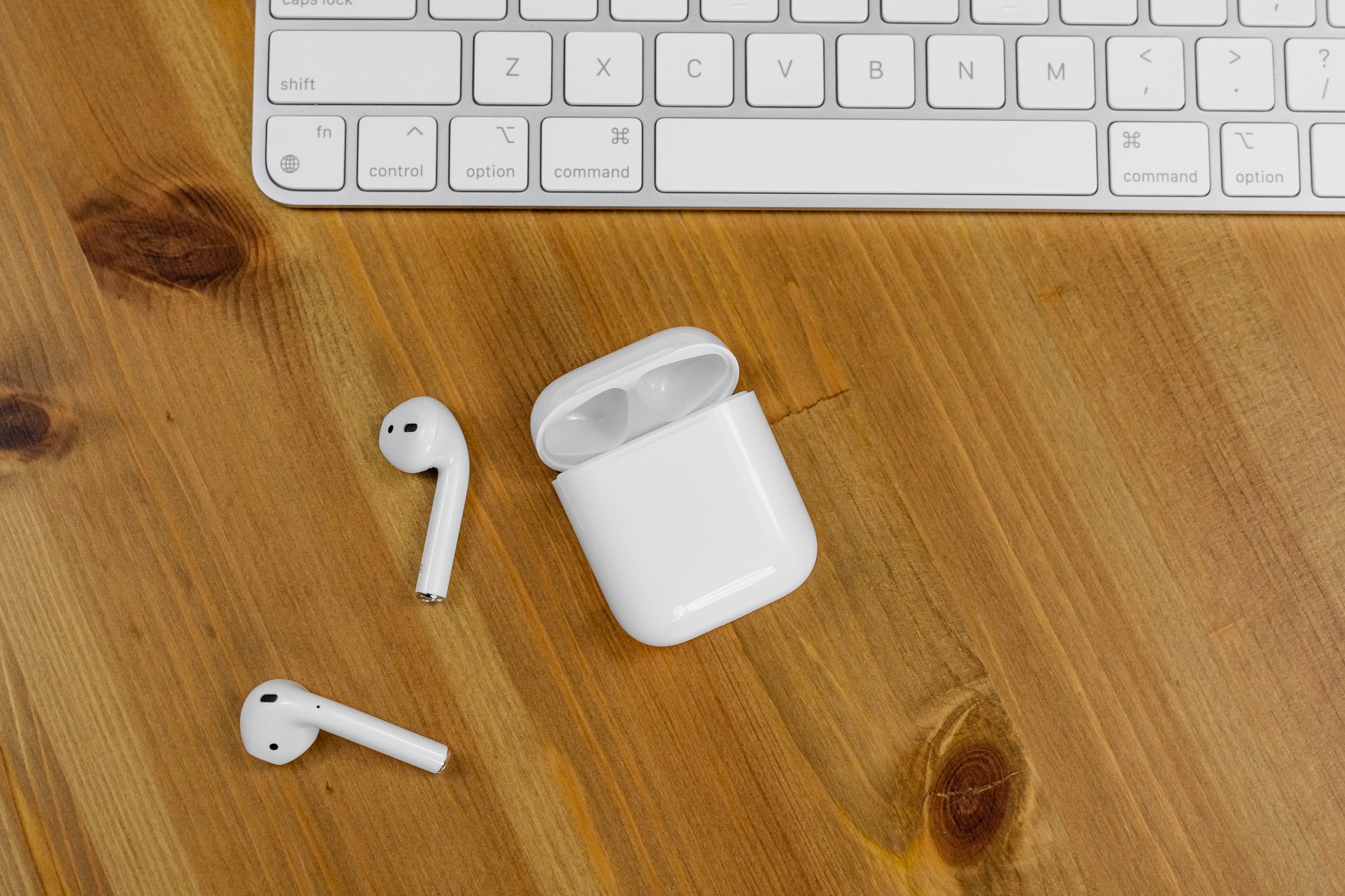

You can use wireless earbuds by charging them, placing them in pairing mode, connecting over Bluetooth, and then using their controls or your device to play audio and take calls. The exact steps vary by model, so treat the earbuds’ manual as the final word. This guide walks through setup, fit, controls, safety, troubleshooting, and maintenance.
Key takeaways
- Charge the earbuds and case before first use.
- Pair by putting the earbuds in pairing mode and selecting them in your device’s Bluetooth menu.
- A secure fit matters for comfort, stability, and sound.
- Use the earbuds’ touch or button controls, or your device’s controls, for playback and calls.
- Clean and store them in the case to keep them working reliably.
What using wireless earbuds involves
Using wireless earbuds is mostly a four-part routine: charge, pair, fit, and control. Once paired, most models reconnect automatically when you take them out of the case and your device’s Bluetooth is on. You can usually play or pause by tapping a bud, use your phone’s volume buttons, and switch between devices from the Bluetooth menu. Check your manual for the exact gestures, because touch controls differ by brand and model.
Prerequisites
- Charged earbuds and case: Place the earbuds in the case and charge them before setup.
- Bluetooth-enabled device: A phone, tablet, computer, or smart TV with Bluetooth audio support.
- The manual or app: Use it for pairing mode, controls, reset steps, and firmware updates.
- Compatible ear tips: If the model includes multiple sizes, try them to find a secure fit.
- A quiet place for setup: This makes it easier to hear pairing prompts and test audio.
Step-by-step: how to use wireless earbuds
- Charge the earbuds and case. Place the earbuds in the case and connect the case to a power source using the supplied cable or a compatible charger. Wait until the indicator shows they have enough charge. Check the manual for charging light meanings.
- Power them on. Many earbuds turn on automatically when you open the case or remove them. If yours do not, press and hold the button or touch area until you hear a tone or see an indicator.
- Put the earbuds in pairing mode. This is often automatic the first time you remove them from the case. If not, press and hold the pairing button on the case or earbuds until the light flashes. The manual will show the exact sequence.
- Turn on Bluetooth on your device. Open your phone, tablet, or computer’s settings and enable Bluetooth. Keep the earbuds within a few feet during setup.
- Select the earbuds from the Bluetooth list. Look for the model name and tap or click it. If prompted for a code, try 0000 or 1234, but check the manual first.
- Fit the earbuds comfortably. Insert them gently and rotate until they feel secure. Try different ear tip sizes if the fit feels loose. A good seal helps with comfort, stability, and sound.
- Test playback and volume. Play a song, video, or podcast. Adjust volume on your device first. Then try the earbuds’ controls to play, pause, skip, or answer a call.
- Learn the controls. Single tap, double tap, triple tap, press and hold, and swipe gestures vary. Use the manual or companion app to see what each gesture does. You can often customize controls in the app.
- Use one bud or both. Many models let you use either earbud alone for calls or audio. Take one out and see if audio continues; if not, check the manual for mono mode.
- Disconnect or return to the case. To disconnect, turn off Bluetooth on your device or place the earbuds back in the case. Many earbuds power down and charge automatically when cased.
Safety and comfort
- Keep volume at a safe level. Start low and raise it only as needed. If people nearby can hear your audio, it may be too loud.
- Stay aware of your surroundings. Avoid using both earbuds in situations where you need to hear traffic, alarms, or other warnings. Use one bud or transparency mode if your model has it.
- Do not force the fit. If an earbud hurts, remove it and try a different tip size or position. Stop using it if discomfort continues.
- Follow battery guidance. Use the charger and cable recommended by the manufacturer. Do not charge damaged earbuds or a swollen case.
- Check local rules. Some places restrict earbud use while driving or cycling. Follow the law and prioritize safety.
Troubleshooting common wireless earbud problems
| Problem | What to try |
|---|---|
| Earbuds won’t pair | Make sure both earbuds are charged, in pairing mode, and close to the device. Turn Bluetooth off and on, forget the old pairing, then try again. Reset the earbuds if the manual provides a reset step. |
| Only one earbud plays | Place both buds in the case, close it, then remove them together. Check the manual for mono mode or reset instructions. Charge the silent bud. |
| Poor sound or weak bass | Adjust the fit and try different ear tip sizes. Clean the mesh or nozzle gently. Check the device’s audio settings and any equalizer app. |
| Controls don’t respond | Clean the touch surface, dry your fingers, and confirm the gesture in the manual or app. Some controls are disabled during calls or when one bud is removed. |
| Audio cuts out | Move the device closer, remove obstacles, and avoid crowded wireless areas. Disconnect other Bluetooth devices. Charge the earbuds and case. |
| Charging issues | Check the cable, port, and charging contacts. Clean contacts with a dry, soft cloth. Try a different power source. If the case or buds are damaged, contact the manufacturer. |
Maintenance and storage
- Clean regularly. Use a dry, soft cloth or a dry brush to remove earwax and debris from the nozzles and charging contacts. Do not push debris into the mesh.
- Keep them dry. Unless the manufacturer says otherwise, keep earbuds away from water, sweat, and humid environments. If they get wet, follow the manual’s drying instructions.
- Store them in the case. The case protects the buds and keeps them charged. Avoid leaving them loose in a bag or pocket.
- Charge sensibly. Top up the case when convenient. For long storage, charge the case partially and check it every few months if the manual recommends it.
- Update firmware. If the manufacturer offers an app, use it to install firmware updates and check control settings. Updates can improve connection stability and features.
- Replace worn ear tips. If tips become stiff, torn, or loose, replace them with compatible tips. A worn tip can hurt fit and sound.
FAQ
Do wireless earbuds work with any phone?
Most Bluetooth wireless earbuds work with Bluetooth-enabled phones, tablets, and computers. Some features, such as a companion app, firmware updates, or advanced codecs, may be limited to certain operating systems. Check the manufacturer’s compatibility details.
How do I know when wireless earbuds are charged?
Charging indicators vary. You may see a light on the case, a light on each earbud, or a battery status in your device’s Bluetooth settings or the companion app. The manual explains what each color or blink pattern means.
Can I use just one wireless earbud?
Many models support mono mode, which lets you use the left or right earbud alone. If audio stops when you remove one bud, check the manual or app for a mono mode setting.
Why does only one earbud play sound?
The silent bud may be uncharged, out of range, or not paired correctly. Put both earbuds in the case, close it, then remove them together. If that fails, reset them using the manufacturer’s instructions.
Do I need an app to use wireless earbuds?
No. You can usually pair and play audio without an app. An app may be useful for firmware updates, control customization, EQ settings, and battery status.
How do I reset wireless earbuds?
Reset steps differ by model. They often involve placing the buds in the case and pressing or holding a button until a light flashes. Follow the exact sequence in your manual or manufacturer support page.
Can I use wireless earbuds on a plane?
Many airlines allow Bluetooth headphones once the crew permits electronic devices. Follow airline instructions and use airplane mode on your phone if required. Check with the airline before relying on them for in-flight audio.