
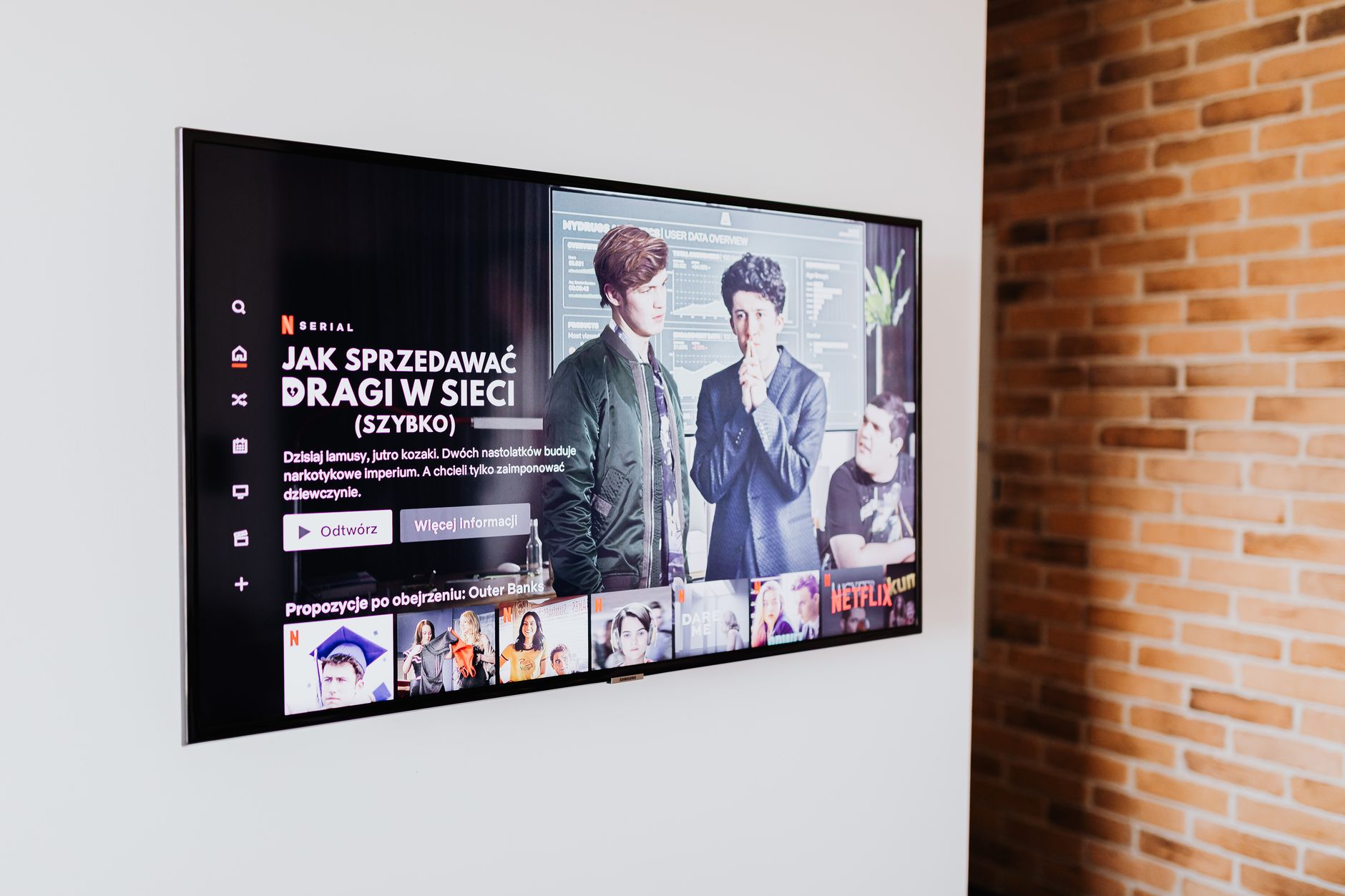

For a small living room, the best smart TV is usually the smallest 4K model that fits your wall or furniture without crowding the room—often a 43- to 50-inch screen—paired with a centered stand or low-profile wall mount. Prioritize a bright, anti-glare panel and an operating system your household already uses. Measure your wall, stand, and main seating position before you buy, because fit and comfort matter more than raw size.
Key takeaways
- Start with fit: wall width, furniture depth, and speaker or console space.
- Choose a screen that feels comfortable from the main seat instead of forcing the largest size.
- 4K is a practical baseline for most new smart TVs; 8K is usually a premium upgrade you can skip in a small room.
- The smart platform matters for app support, speed, and ease of use.
- Mount or place the TV so the center of the screen sits near eye level when you are seated.
Jump to: Direct Recommendation | Scenario and Constraints | Recommended Setup | What Changes by Room, User, or Budget | Mistakes to Avoid | FAQ
Direct Recommendation
For most small living rooms, aim for a 43- to 50-inch 4K smart TV if it fits your wall or stand and does not overwhelm the seating area. That range is a starting point, not a rule. The right size depends on how far your main seat is from the screen, how wide the available wall is, and whether the TV will sit on furniture or hang on a mount.
Look for these practical features:
- A central stand if the TV will sit on a console or media cabinet.
- VESA mount compatibility if you plan to wall-mount it.
- Good off-angle viewing if people sit across the room instead of directly in front.
- Enough HDMI ports for your streaming device, game console, or soundbar.
- A streaming platform your household already knows and likes.
If you are torn between two sizes, choose the smaller one when the room feels tight. Choose the larger one only if the wall and main seating position can handle it comfortably.
Scenario and Constraints
A small living room usually creates predictable constraints. The TV has to share space with seating, traffic paths, windows, doors, and storage. The goal is not to copy a large-room setup into a smaller footprint. The goal is to make the screen feel natural in the room.
Common constraints
- Limited wall width for a wide TV or media console.
- Short distance between the main seat and the screen.
- Windows that create glare during the day.
- Multiple seating angles instead of one perfect chair.
- Furniture depth that may not fit a deep TV stand.
- Cable clutter from streaming sticks, consoles, and soundbars.
Measure before you shop
- Measure the wall or furniture width where the TV will go.
- Measure the depth of the stand or cabinet and check the TV stand footprint.
- Check the distance from the main seat to the screen.
- Note where windows, doors, and walkways are.
- Decide whether you will wall-mount or use a stand.
Recommended Setup
A good small-room setup keeps the TV centered, comfortable to watch, and easy to live with. The exact model matters less than how well the screen fits the room and your habits.
Placement
- Center the TV on the wall or furniture used by the main seating area.
- Keep the center of the screen near seated eye level when possible.
- Leave clearance around the TV for ventilation, especially in a cabinet.
- Use a wall mount if furniture depth is tight or you want a cleaner look.
- Avoid placing the TV above a fireplace or too high on the wall for everyday viewing.
Connections and sound
- Use HDMI ports for a streaming device, console, or soundbar instead of relying only on the TV apps.
- If you add a soundbar, check that it fits in front of or below the TV without blocking the screen or remote sensor.
- Plan cable management before mounting or placing the TV.
- Use one main streaming platform when possible to reduce input switching and confusion.
Picture and streaming settings
- Turn off motion smoothing if the picture looks unnatural to you.
- Use a movie or filmmaker picture mode as a starting point, then adjust to taste.
- Lower backlight or brightness at night and raise it during bright daytime hours if the room has windows.
- Set up only the apps you actually use, and remove or hide the rest.
What Changes by Room, User, or Budget
Use this table as a trade-off guide, not a rulebook. Your room and viewing habits should decide which features matter most.
| Factor | What to prioritize | What you can usually deprioritize |
|---|---|---|
| Bright room with windows | Higher brightness, anti-glare handling, adjustable backlight | Ultra-thin design that may reflect more light |
| Close seating distance | Smaller screen, comfortable fit, 4K resolution | 8K and oversized screens |
| Mixed seating angles | Wide viewing angle performance | Narrow-angle panels that wash out off-center |
| Gamers | Low input lag, VRR support, HDMI 2.1 if you use newer consoles | 8K and extra smart features |
| Movie fans | Contrast, local dimming, good black levels | Built-in speakers and decorative design |
| Budget shoppers | 4K, reliable smart OS, enough HDMI ports | 8K, premium styling, extra gaming features |
| Renters | Freestanding stand, simple wall mount, easy cable routing | Complex in-wall wiring |
| Families | Kid profiles, simple remote, easy app access | Niche apps and advanced calibration tools |
Mistakes to Avoid
- Buying the biggest TV that fits the wall. A screen can fit physically and still feel too large for the room.
- Ignoring the stand footprint. A wide or deep stand may not fit your furniture.
- Forgetting soundbar and cable space. A soundbar can block the screen or remote sensor if you do not plan for it.
- Mounting the TV too high. Everyday viewing is usually more comfortable when the screen is closer to eye level.
- Assuming every smart TV has the same apps. App availability and performance can vary by platform.
- Paying for features you will not use. Skip 8K or high-end gaming features if your room and habits do not need them.
- Overlooking glare. A bright window behind or opposite the TV can wash out the picture.
- Shopping without measurements. Guesswork leads to returns, awkward layouts, or a TV that dominates the room.
FAQ
What size smart TV is best for a small living room?
There is no single best size. Start with the wall or furniture width, the distance from your main seat to the screen, and whether the TV will be on a stand or wall mount. For many small rooms, a 43- to 50-inch model is a manageable starting range, but go smaller if the room feels crowded or larger only if the wall and seating distance support it.
Do I need 4K in a small living room?
4K is a practical baseline for most new smart TVs, even in smaller rooms. You do not need 8K in a small living room unless you specifically want a premium upgrade and are willing to pay for it.
Should I wall-mount or use a stand?
Wall-mounting saves furniture depth and can help center the TV at eye level. A stand is simpler for renters and makes it easier to move the TV. Choose based on wall type, stud location, rental rules, and whether you want to hide cables.
How do I reduce glare in a small living room?
Position the TV away from direct window reflections, use curtains or blinds, adjust backlight based on time of day, and look for a model with good anti-glare treatment if reviews mention it.
What smart TV features matter most?
Reliable app support, a responsive interface, enough HDMI ports, an easy remote, and solid Wi-Fi matter most for everyday use. Gaming features only matter if you play games that use them.
How much should I spend on a small-room smart TV?
Spend enough to get the size, panel performance, and ports you need. In a small room, you can often skip premium 8K and extra-large sizes and put budget toward better contrast, glare handling, or sound.